My Dock Buddies for Mac is here
The My Dock Buddies app for Mac is out: 3D buddies on top of your Dock, for macOS 14 Sonoma or later. What it does, who it is for and how members get it.
Read the story ↗Meet the crew, explore their habits, and follow the thinking behind My Dock Buddies.
The journal is where the My Dock Buddies team writes about the buddies and the work behind them. Meet Max and Avery, the two buddies you can choose today, and follow Juno and Aadi while their 3D builds are finished. Other posts explain how the Monthly, Annual and Lifetime plans work, what happens after checkout, how to install and use the Mac app, and how a custom buddy is made from your photos, with your permission and your privacy looked after.
Getting the app, installing it, using it day to day, and moving to a new Mac.
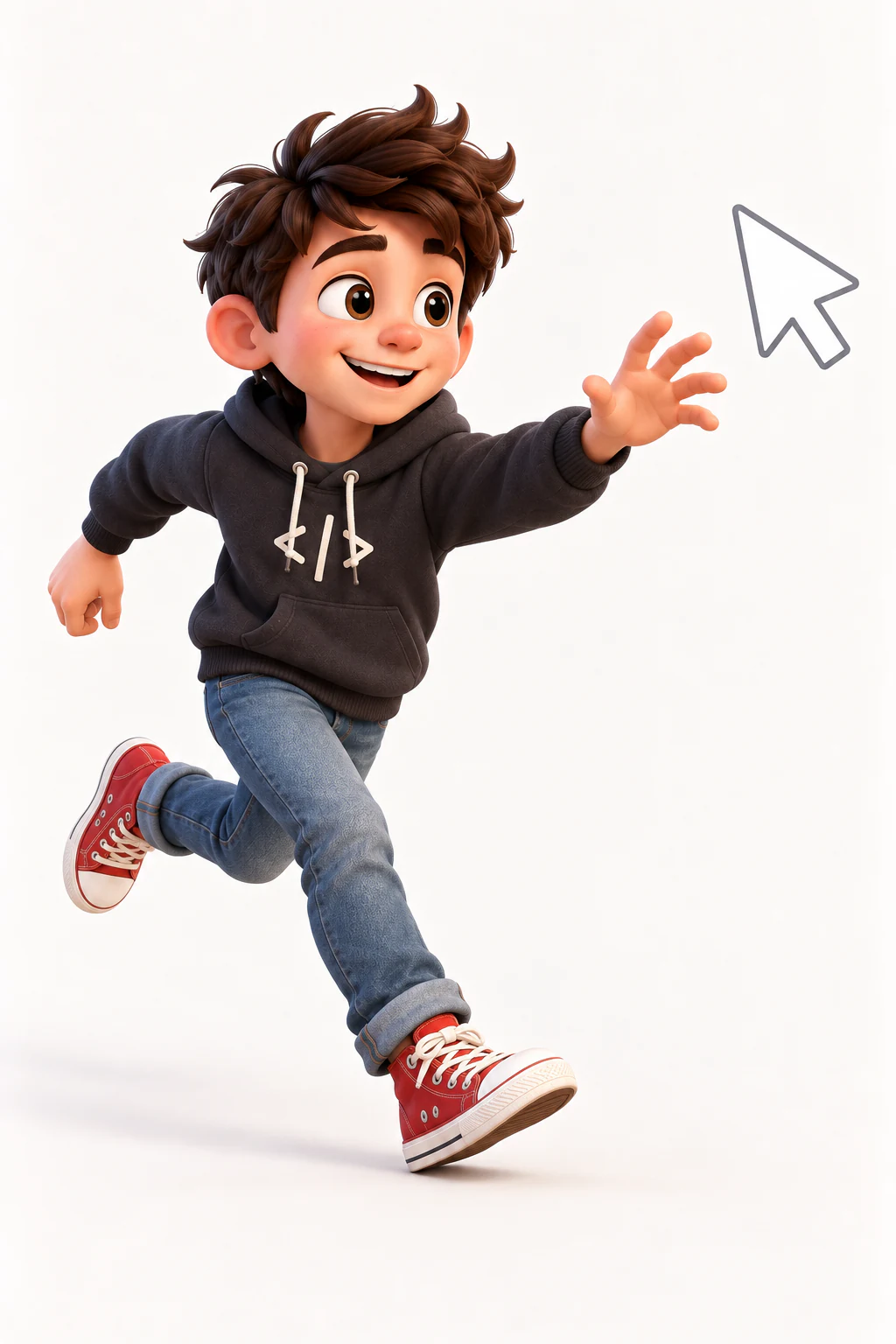
The My Dock Buddies app for Mac is out: 3D buddies on top of your Dock, for macOS 14 Sonoma or later. What it does, who it is for and how members get it.
Read the story ↗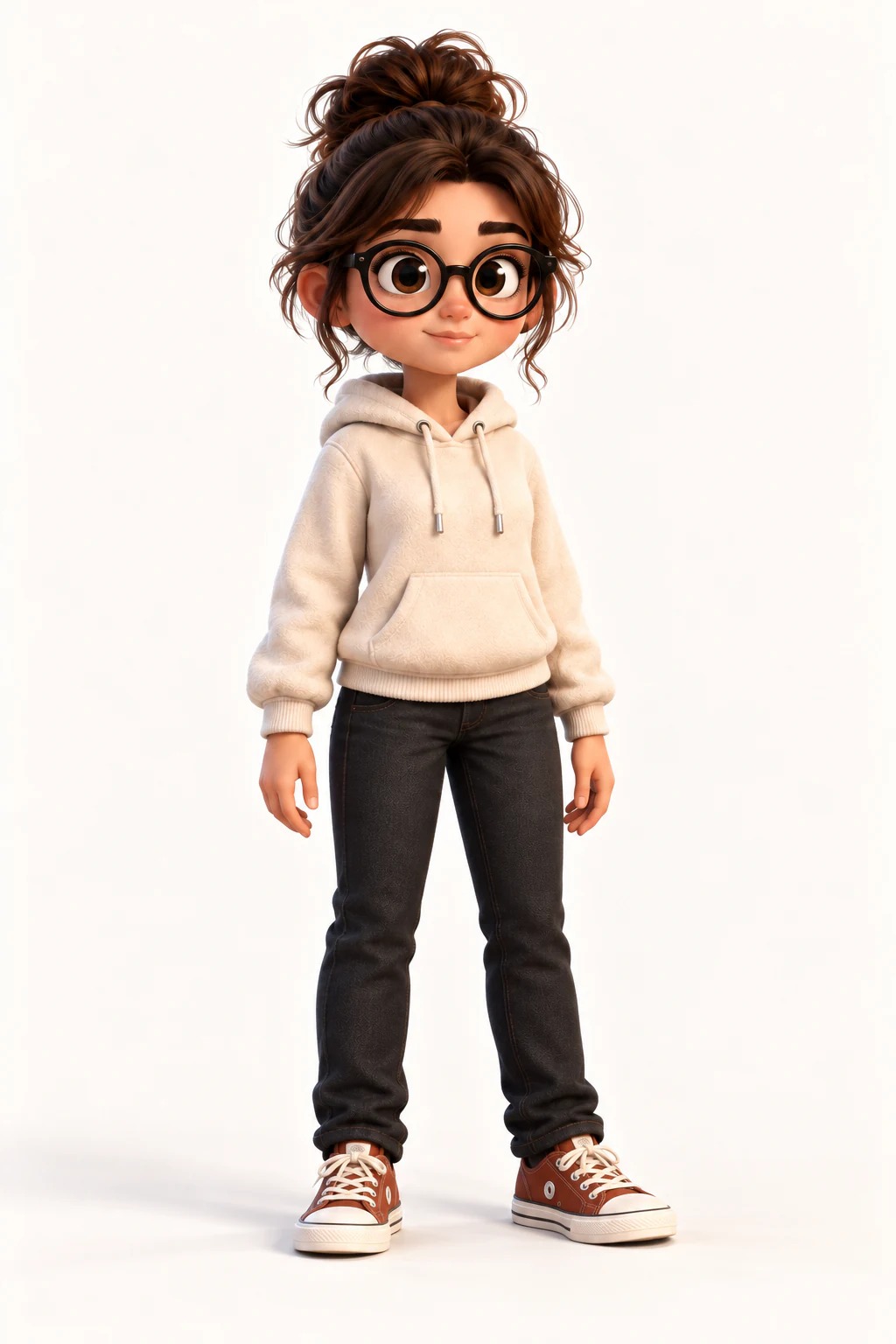
Step by step, from signing in on the website to your buddies on the Dock: get a plan, download the app, drag it to Applications and sign in with a code.
Read the story ↗
The person who makes My Dock Buddies also makes FavTray, a Mac developer dashboard in the menu bar. What each app is for, and how Max ended up in both.
Read the story ↗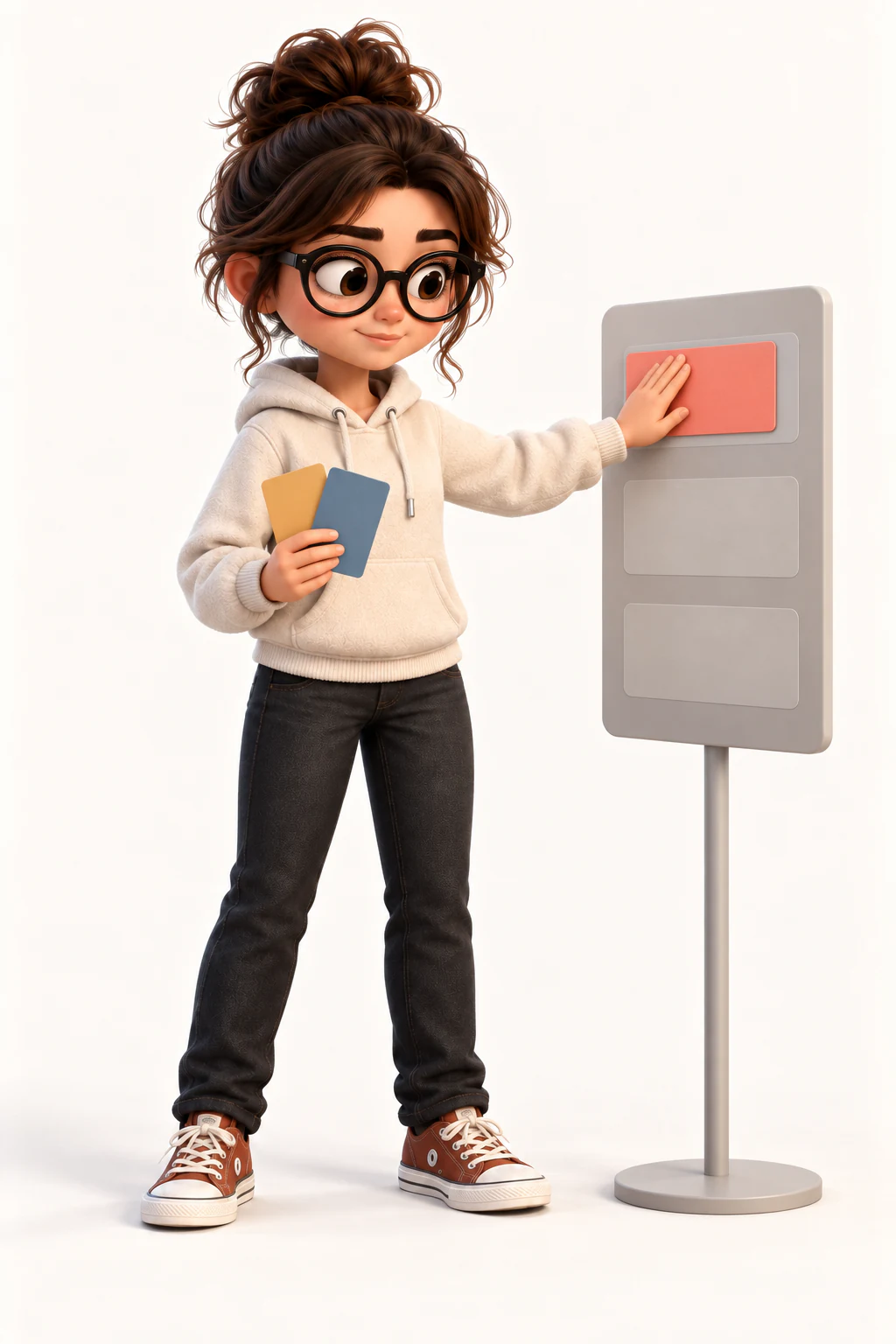
Every control in the My Dock Buddies Mac app: what a click does, the right-click menu, sizes, where buddies roam, the hub and the menu-bar menu.
Read the story ↗
One Mac per account, how to move to a new Mac, how long buddies work offline, what signing out removes and how the Mac app updates itself.
Read the story ↗The Mac app is out. Which Macs it runs on, who can download it, how sign-in and one Mac per account work, and where to get help.
Read the story ↗How your buddies spend the day beside you: working, taking breaks, winding down at night and reacting to your Mac.
Your buddies can follow what your Mac is doing: the charger, the quiet minutes, a locked screen, and whether Claude Code or Codex is working, waiting for you or done.
Read the story ↗
Leave the keyboard for two minutes and they stretch, make coffee, water a plant or read. At night they wind down, and when the screen locks they stop entirely.
Read the story ↗Plug your Mac in and a buddy plugs a cable in too, then celebrates, dances or tidies the cables for the next 45 seconds.
Read the story ↗While you are typing, your buddy does desk work too: typing, writing, thinking, sorting priorities and sticking up notes, mixed in with their usual day.
Read the story ↗Beyond single activities, Max and Avery play short scenes: Work, Break, Tidy up, Study, Greet, Night, Garden, Fix-it, Play and Errand.
Read the story ↗Poke a buddy and he boops. Pick him up and he lifts. Every sound answers something you did, and nothing makes a noise on its own.
Read the story ↗Plans, buddy unlocks, your library and the Mac app, in plain words.
The same app, from two places: the Mac App Store or a direct download from us. What is identical, what differs, and how to pick — including what happens to buddies you already own.
Read the story ↗How Monthly, Annual and Lifetime differ, how buddies are bought, and what happens between checkout and your library.
Read the story ↗What a desktop companion is, what Max and Avery do all day, who joins the crew next and how to get the Mac app.
Read the story ↗There is no subscription right now: every buddy is a one-time purchase. Here is what a buddy costs in dollars and rupees, and what the planned memberships will add.
Read the story ↗How to turn renewal off or back on, what switching to Lifetime means, and what happens if a renewal payment does not go through.
Read the story ↗How a rigged 3D buddy differs from a flat 2D desktop pet: props, moods, made-to-order buddies, pricing and what isn’t ready yet.
Read the story ↗Measured, not guessed: two buddies walking your Dock use about 4.8% of one CPU core, the app downloads in 3.4 MB, and they stop drawing entirely when nobody can see them.
Read the story ↗Desktop Mate, Desktop Goose, BongoCat, Shimeji and a shelf of App Store cats — what each one actually is, what it costs, and where we fit among them.
Read the story ↗The Mac App Store is full of free pixel cats. Here is a straight answer about what the money buys, and when you should save it.
Read the story ↗Wallpapers and icon sets sit still. The Mac customization a buddy gives you: who stands there, how big, how far they wander and how much noise they make.
Read the story ↗Most desktop pets are flat sprites. A 3D one is a real model with a skeleton, standing on your Dock. What that changes, and why a “3D Dock” usually means something else entirely.
Read the story ↗The honest answer, from people who sell one: a desktop pet can absolutely be distracting, and most of that is a settings problem. How to set one up so it never once interrupts you.
Read the story ↗Ours needs it to sign you in and to check your buddies are yours — and then it gets out of the way. What works on a plane, what happens after two weeks offline, and what never leaves your Mac at all.
Read the story ↗A character that reacts to your day has to notice something. Exactly what ours reads, what it deliberately cannot read, and why none of it leaves your Mac.
Read the story ↗No — and the difference matters. There is no chatbot here, nothing to talk to and no model reading your screen. What the buddies actually respond to, and who each kind of app is for.
Read the story ↗Who each available buddy is, and what they can already do in their 3D builds.
A curious little developer who turns every corner of your Dock into a new adventure.
Read the story ↗Thoughtful, observant, and always finding a little order in a busy day.
Read the story ↗
A silver-haired racer in a white-and-red suit who brings pit-lane calm and full-throttle energy to your Dock.
Read the story ↗
A confident little boss in a black suit and dark glasses who runs your Dock like the corner office.
Read the story ↗Max has 37 activities and Avery has 39. Here is every one, grouped the way their character pages show them, plus the 8 moods they share.
Read the story ↗Almost every desktop pet is a cat, a goose or a blob. Ours are human characters with hands, moods and a working day — and that changes what they can do on your desktop.
Read the story ↗Two characters, one Dock, and a decision that takes a minute. Who Max and Avery are, how adopting one works, and what happens after they arrive.
Read the story ↗A silver-haired racer in a white-and-red suit who warms up, walks the pit lane and celebrates on top of your Dock. What he does, how big he gets, and what he costs.
Read the story ↗Black suit, dark glasses, big plans. A 3D desktop companion who paces your Dock like it is the corner office. What he does, how big he gets, and what he costs.
Read the story ↗The buddies still being built, and the order they join the crew in.

A desktop salvager and pixel mechanic who fixes, polishes and tinkers his way through your Dock, with a small hovering drone named Bit at his side.
Read the story ↗
A contemporary Indian street-tech kite runner who turns every gust into a small adventure.
Read the story ↗How a custom buddy is made, and how we look after your photos and likeness.
How a few good photos, a short personality note and your approval become a one-of-one My Dock Buddies character.
Read the story ↗Who sees your reference photos, what they are used for, when we delete them and the photos we never accept.
Read the story ↗Who a custom buddy can show, how buddies of famous people work, what the Leaders & Founders collection is, and what happens when someone reports a buddy.
Read the story ↗Small toys coming to the My Dock Buddies Mac app, to squish when work gets heavy.
Getting the app on a PC: the portable .exe, the first run, and buddies on your taskbar.
A 3D desktop pet that stands on your Windows taskbar, in one portable file. Why Windows stops you the first time, and how one account covers a Mac and a PC.
Read the story ↗Step by step on Windows 10 or 11: installer or portable file, which one to take, getting past the “Windows protected your PC” box, and a 3D buddy standing on your taskbar.
Read the story ↗