What your buddies do when you step away
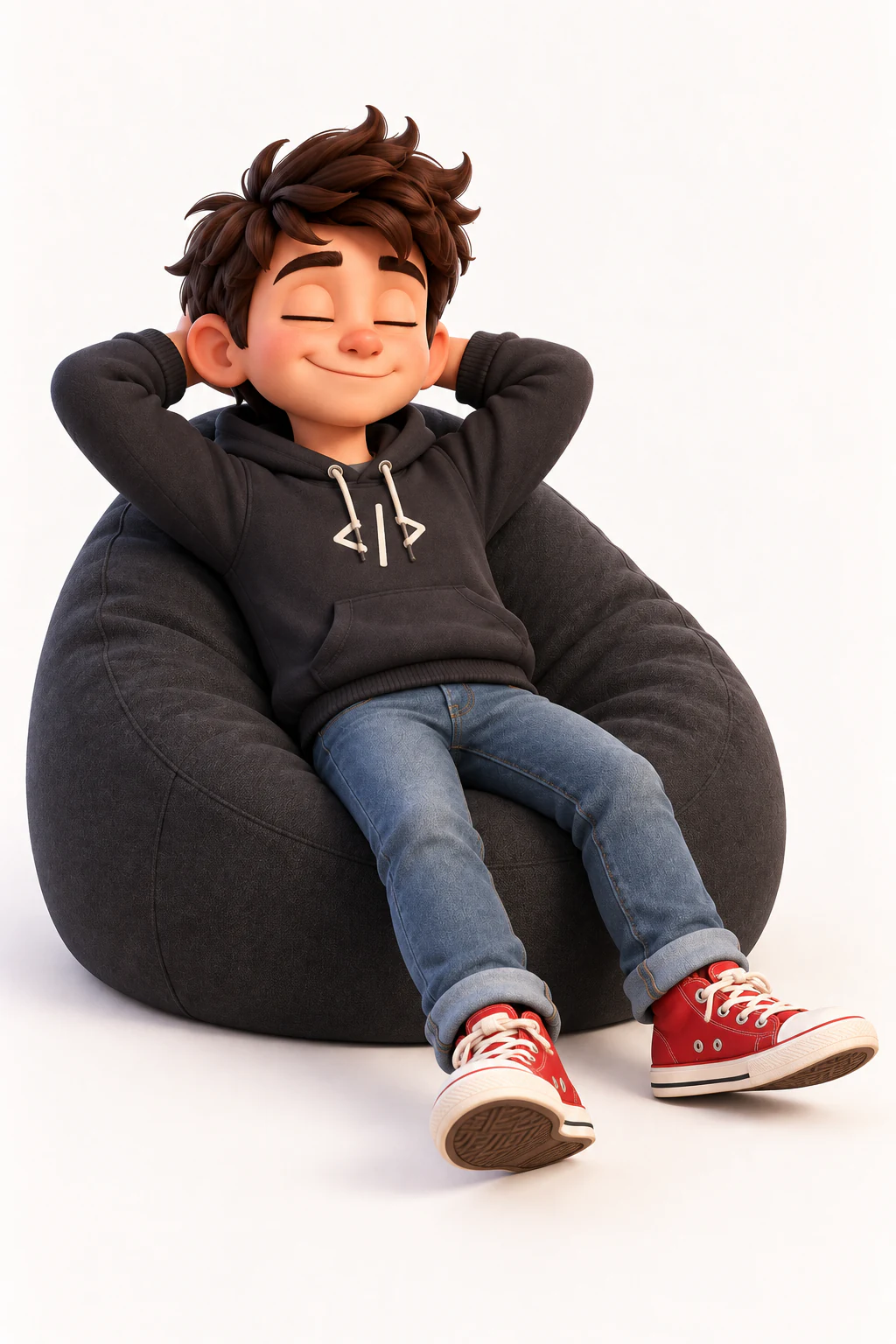
A buddy is nicer company when it notices you have gone. Two minutes without the keyboard or mouse and they stop whatever desk work they were doing and take a break of their own: a stretch, a coffee, a book, the watering can. It is part of the awareness feature, and it is off until you turn it on.
How long is “away”?
Two minutes with no keyboard or mouse. The app only asks macOS how long it has been since the last input; it never sees what you typed or where you clicked. Come back and touch anything, and the break ends at the next decision.
What do they do?
They stretch, peek out of an app window, make coffee, read a book, sit on the desk edge, relax on the beanbag, have a drink or a snack, water the plant, clean the desk, draw on the tablet, or rub a sore foot. Two longer scenes can also start here: the Break story and the Garden story.
What about at night?
After ten in the evening the same quiet moment prefers winding down instead: sleep, relax, sit, and the Night story. The app reads nothing but your Mac’s clock to know this.
And when the screen locks?
They stop. A locked screen, a screensaver or a sleeping display means nobody can see them, so no activity is chosen at all and nothing is drawn until you come back. It is the one situation where the right behaviour is to do nothing: it saves the battery, and there is no point animating to an empty room.
Do both buddies do the same thing?
No. Each buddy draws its own activity, so one might make coffee while the other reads. They also never repeat the same activity twice in a row, and a given one will not come back for 90 seconds.
Turning it on
Open Settings, Buddies, and switch on “What your Mac is doing”. It is in the app now, and it is off until you ask for it.