Adopt a desktop buddy: Max or Avery
Adopting a buddy is not like adopting a pet, and it is not quite like buying an app either. You pick a character, they arrive on your Dock, and they get on with their own small life beside your work: pacing, tinkering, taking a break, looking up when you click them. There are two to choose from today, and they are genuinely different company. Here is who they are and what happens once one of them is yours.
Max, the builder
Max is restless in a cheerful way. He paces the Dock, gets stuck into something, celebrates when it works and takes his coffee breaks very seriously. If you like the feeling of someone busy at the next desk, he is that. He wears a charcoal hoodie, jeans and red trainers, and he is the character most people meet first.
Avery, the thinker
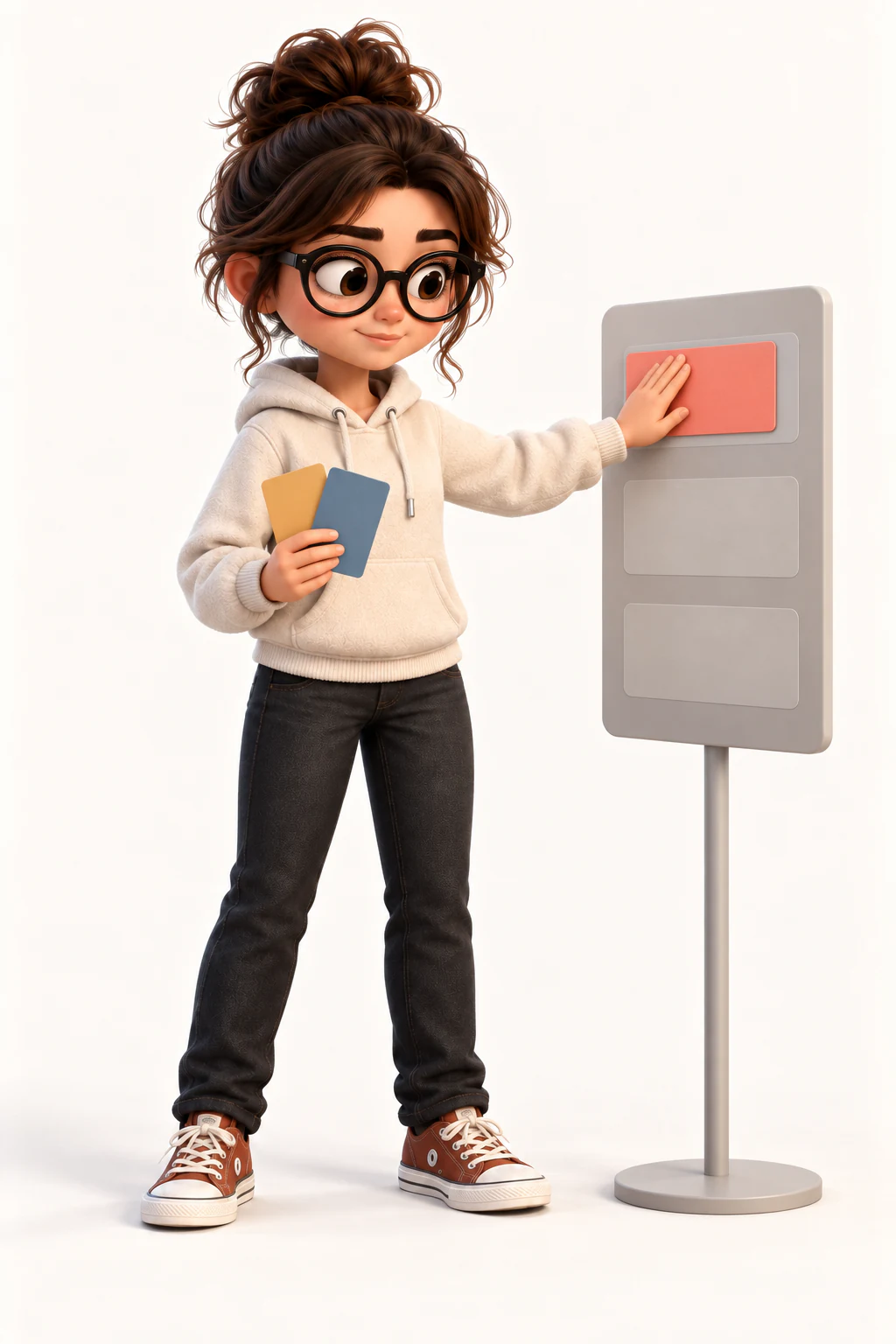
Avery is the calmer half. She sits at her little desk, sorts things out, reads, and generally moves at half Max’s pace. If Max sounds like a lot, she is the one to adopt: the same company, quieter. People who work in silence tend to prefer her.
What adopting actually means
You buy the character once and they are yours — no subscription for the buddy itself, no expiry, no second payment later. Every buddy is $4.99 / ₹479, a one-time unlock, in US dollars or Indian rupees. They are tied to your account rather than to a computer, so they come with you if you move Macs, and they show up in the browser playground and on Windows too.
Two at a time on the Dock
However many you own, two can be out at once. That is a deliberate limit: three or more turns a Dock into a crowd, and the point is company, not a parade. You choose which two in the app, and swapping takes a click.
What happens after they arrive
They walk along the Dock, use their desk props, react to your cursor and play little stories on their own — ten of them, from tidying up to a spell in the garden. Click one and they run that way; click the middle and they stop and look up at you. If you turn it on, they also take their cue from what your Mac is doing: they get to work when you do, and doze off when you step away.
Adopting more than one
Most people start with one and add the other later, which is the sensible order. The second one does not change the first: both live in the same app, both belong to the same account, and you pick which two are out. More characters are on the way, and each is adopted the same way.
If you want one that looks like someone you know
There is a second kind of adoption: a custom buddy, made to look like you or someone who has agreed to it. That is a made-to-order character rather than an instant unlock, and it has its own rules about likeness and photos.