Find it on your Dock
Once it is out, the dumpling sits on your Dock, in the My Dock Buddies app: resting, perfectly still.
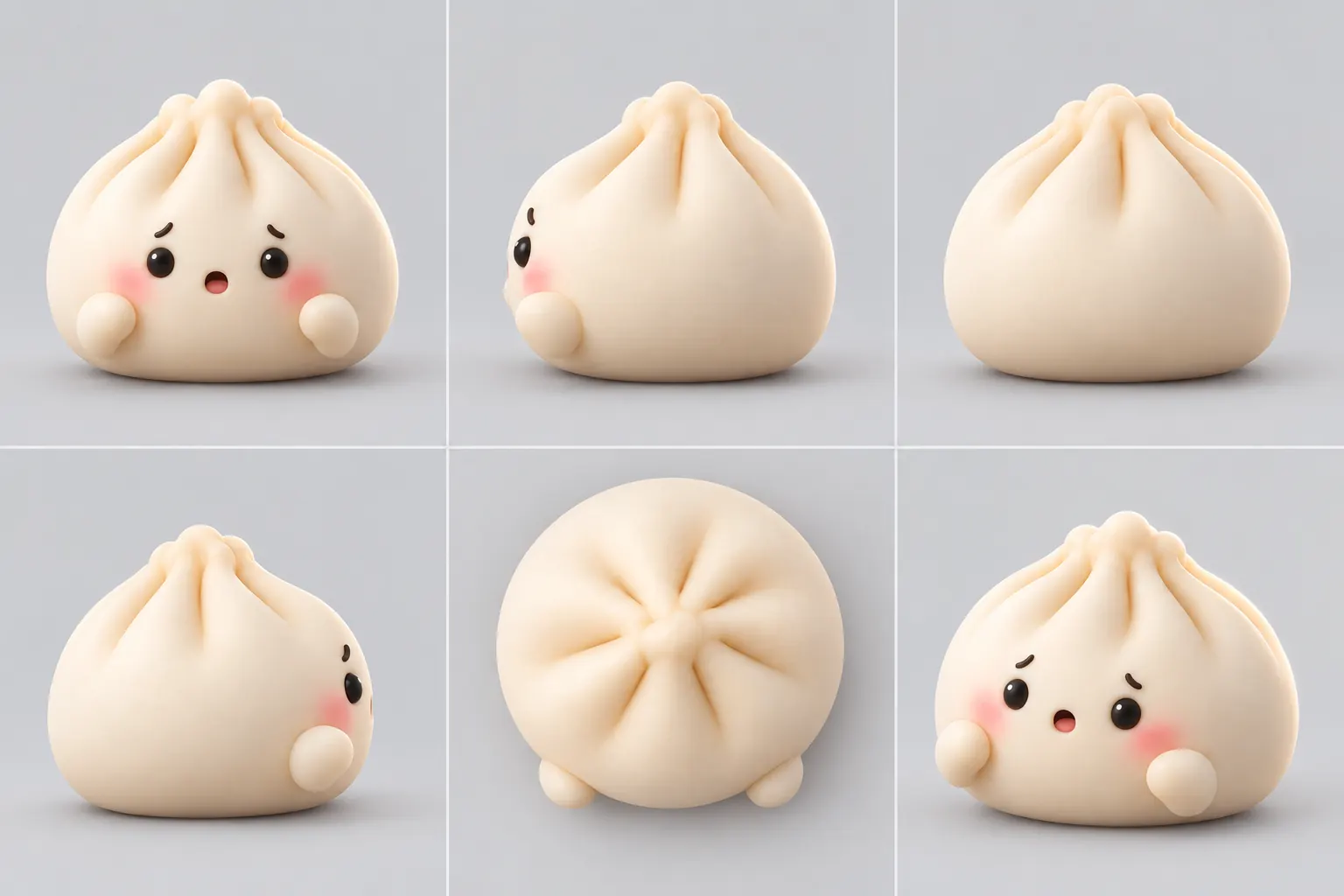
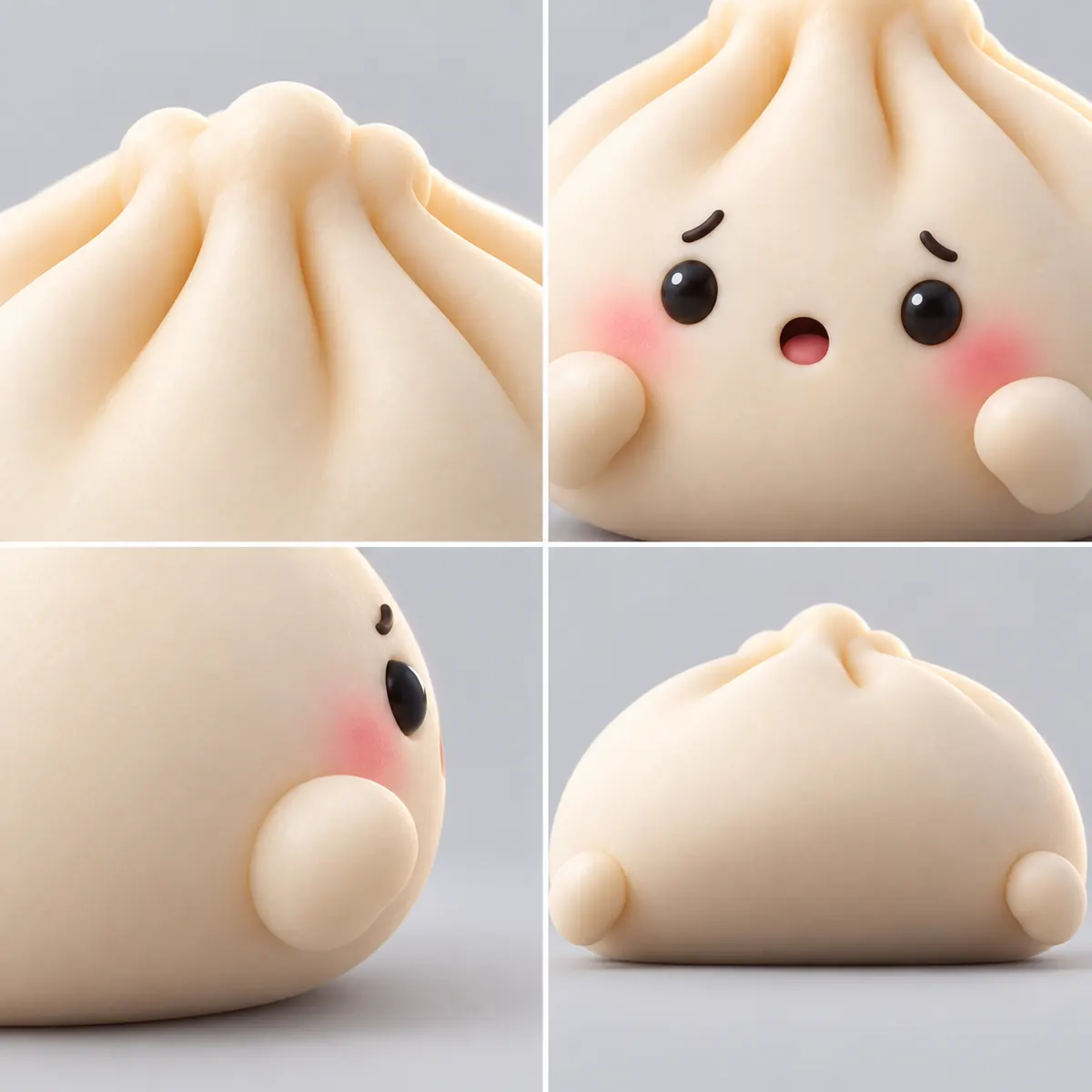
A soft 3D dumpling sits on your Mac Dock. Click it and it squashes flat, springs up tall, wobbles, and settles back down looking mildly annoyed. A two-second break when work gets heavy.
Mac only. Rolling out in the coming weeks.
Dumpling Dock is a stress-buster feature coming to the My Dock Buddies Mac app. It is not a buddy, and we will share the details when it is out.
One click, one squish, about a second and a half from click to rest.
Once it is out, the dumpling sits on your Dock, in the My Dock Buddies app: resting, perfectly still.
It notices, squashes wide and flat with a shocked little mouth, then springs up into a tall stretch.
It wobbles left, then a smaller wobble right, settles with a mildly annoyed look and goes back to resting. No window opens.
Click again mid-wobble and it squishes again from wherever it is. However fast you click, it never lines up a queue of squishes, and it always ends back in its resting pose.
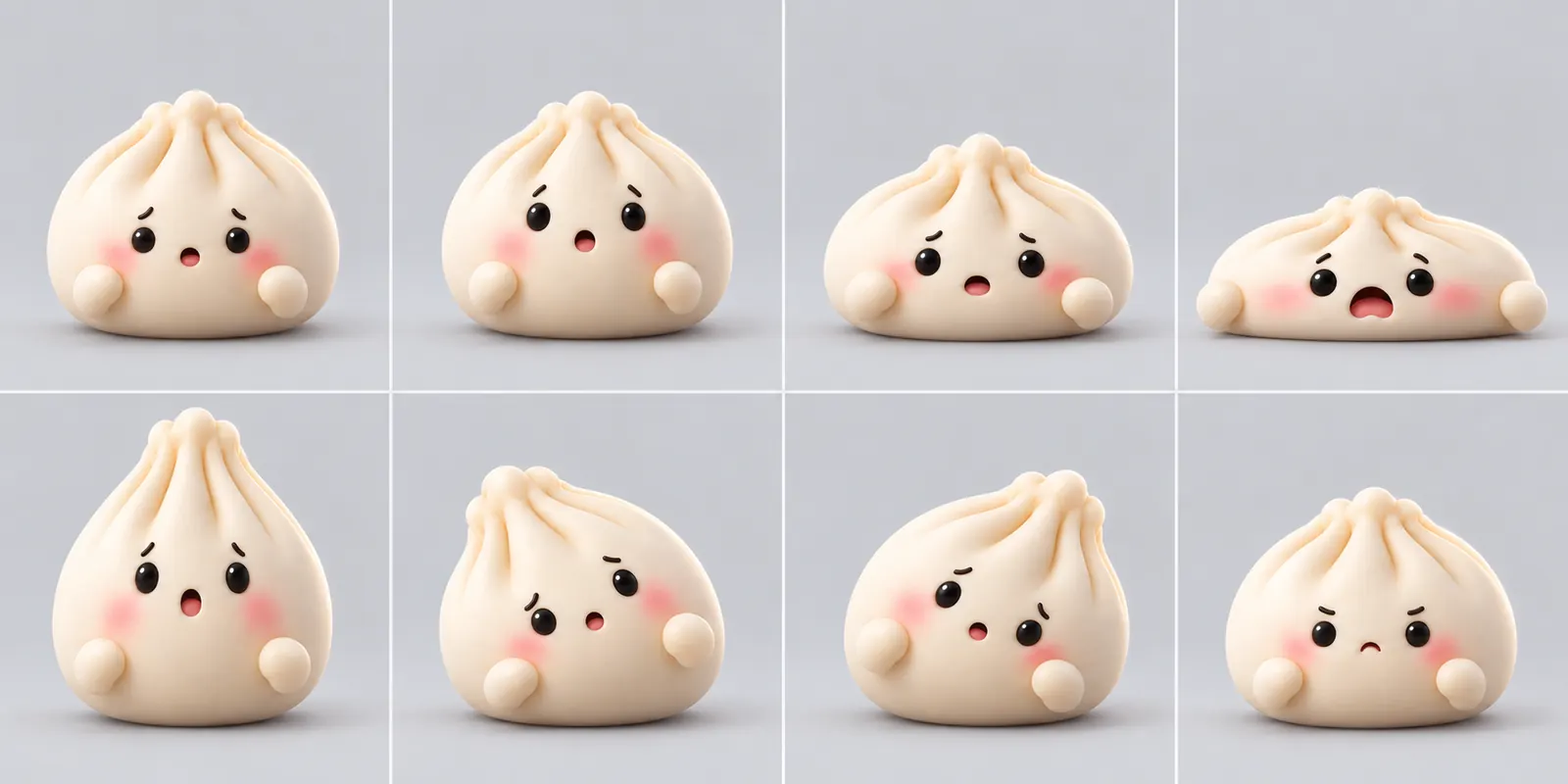
Because a long stretch of work sometimes needs a two-second break that asks nothing of you. A soft thing that squashes when you poke it is about the simplest stress buster there is: click, squish, wobble, back to work. The squish is short on purpose, so the fiftieth click is as fun as the first rather than a distraction.
Between clicks the dumpling is a still picture. Dumpling Dock does not keep an animation running in the background while it waits for you.
Dumpling Dock is for Mac only: its whole trick happens in the macOS Dock. It is rolling out in the coming weeks, and we will share the details when it is ready.
Yes. Dumpling Dock is coming to the My Dock Buddies Mac app in the coming weeks, and it is the first of our stress busters. It is not a buddy. We will share the details when it is out.
No spam, just a note when Dumpling Dock is ready for your Mac.